
Gaming Desktops: Performance Guides, Specs Explained, and Best Value Options

Gaming Desktops Australia 2025 | Build & Compare Gaming PCs
Gaming setup hero

Introduction

The difference between playing a game at 60 frames per second (FPS) and 144 FPS is not just a number—it is a fundamentally different experience. At 60 FPS, gameplay is smooth, but at 144 FPS and beyond, the world becomes incredibly fluid, responsive, and immersive. This is the competitive edge that a dedicated gaming desktop provides. However, the path to achieving this level of performance is often paved with confusing technical jargon, complex component choices, and the daunting task of building or buying the right PC. This guide is designed to simplify that process. Using our interactive tools, you will be able to decode the specifications, understand the components, and choose the perfect gaming desktop for your needs and budget.

The 7 Core Components of a Gaming PC

A gaming PC is more than just a collection of parts; it is a carefully balanced ecosystem where each component plays a critical role. The seven core components that determine a gaming PC’s performance are the Graphics Card (GPU), Processor (CPU), Memory (RAM), Storage, Motherboard, Power Supply Unit (PSU), and Cooling. Understanding how these parts work together is the key to building a powerful and reliable gaming machine.

GPU Deep Dive: The Heart of Your Gaming Experience

NVIDIA RTX 4090 Graphics Card

The Graphics Processing Unit (GPU) is the single most important component for gaming performance. It is responsible for rendering the complex 3D graphics that make modern games so visually stunning. The two main players in the GPU market are NVIDIA and AMD, both offering a range of cards at different performance tiers.

Key GPU Terms Explained

  • VRAM (Video RAM): Dedicated memory for the GPU to store textures and other graphical assets. 8GB is the minimum for 1080p, while 12-16GB is recommended for 1440p and 4K.
  • Performance Tiers: GPUs are designed for specific resolutions. A card that excels at 1080p may struggle at 1440p or 4K.
AMD RX 7900 XTX Graphics Card
Resolution NVIDIA Recommendation AMD Recommendation Expected FPS (High/Ultra)
1080p RTX 4060 RX 7600 100+ FPS
1440p RTX 4070 Super RX 7800 XT 100+ FPS
4K RTX 4080 Super / 4090 RX 7900 XTX 60-120+ FPS
FPS Performance Comparison Chart

Game Performance Calculator

Select your hardware and game to estimate FPS:

CPU for Gaming: The Brains Behind the Brawn

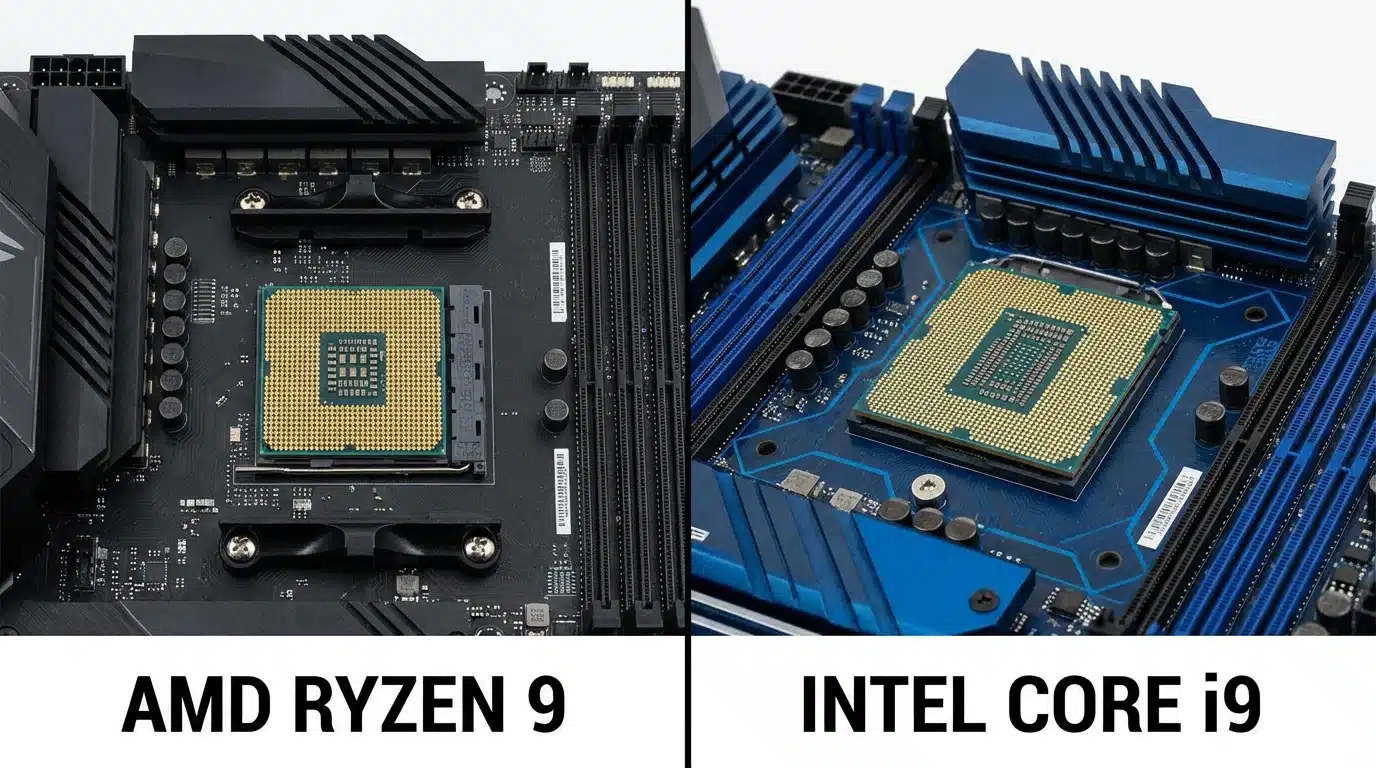
Intel vs AMD CPU Comparison

While the GPU handles the visuals, the CPU is responsible for the game’s logic, physics, and AI. A powerful CPU ensures that your GPU can run at its full potential without being held back, a phenomenon known as bottlenecking.

Bottleneck Checker

Check if your CPU and GPU pairing is balanced:

RAM & Storage: Speeding Up Your Games

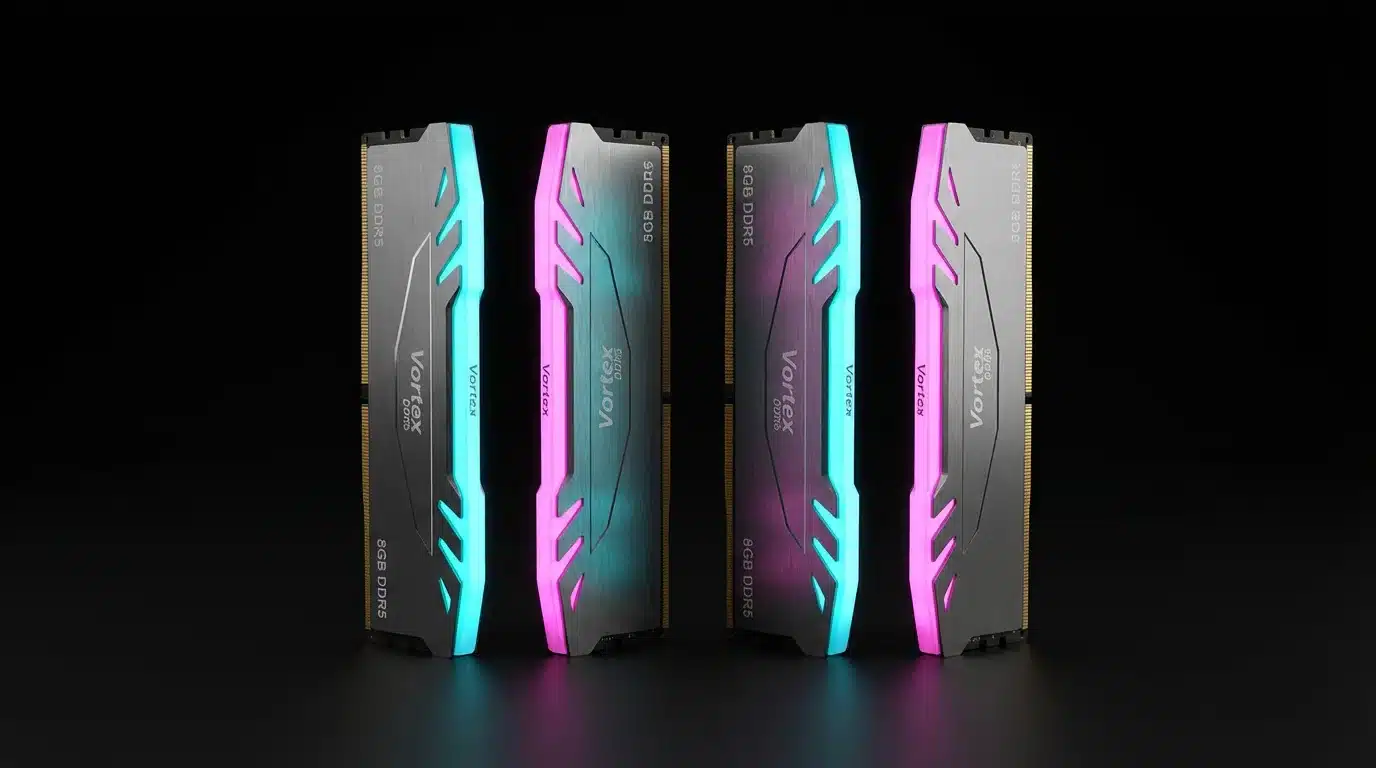
DDR5 RAM Modules

For gaming, 16GB of DDR5 RAM is the current sweet spot, providing enough memory for most modern titles. However, 32GB is becoming the new standard for future-proofing and for those who multitask with streaming or other applications while gaming.

An NVMe SSD is essential for a modern gaming PC. It dramatically reduces game load times and improves overall system responsiveness compared to a traditional HDD.

Performance Tiers: Finding Your Perfect Build

Budget 1080p Gaming PC Build

The 1080p Champion (~$1,500 AUD)

This build is perfect for high-refresh-rate 1080p gaming, delivering over 100 FPS in most competitive titles.

  • CPU: AMD Ryzen 5 7600 or Intel Core i5-13400F
  • GPU: NVIDIA RTX 4060 or AMD RX 7600
  • RAM: 16GB DDR5
  • Storage: 1TB NVMe SSD

The 1440p Dominator (~$2,500 AUD)

Mid-Range 1440p Gaming PC Build

The sweet spot for most gamers, offering a significant visual upgrade over 1080p without the extreme cost of 4K.

  • CPU: AMD Ryzen 7 7800X3D or Intel Core i7-13700K
  • GPU: NVIDIA RTX 4070 Super or AMD RX 7800 XT
  • RAM: 32GB DDR5
  • Storage: 2TB NVMe SSD

The 4K Beast (~$4,000+ AUD)

High-End 4K Gaming PC Build

For those who demand the absolute best, this build delivers stunning 4K visuals at high frame rates.

  • CPU: AMD Ryzen 9 7950X3D or Intel Core i9-14900K
  • GPU: NVIDIA RTX 4080 Super or RTX 4090
  • RAM: 32GB DDR5
  • Storage: 2TB NVMe SSD
PC Cooling System

Build Your Own PC Configurator

Configure your dream gaming PC and see the total cost:
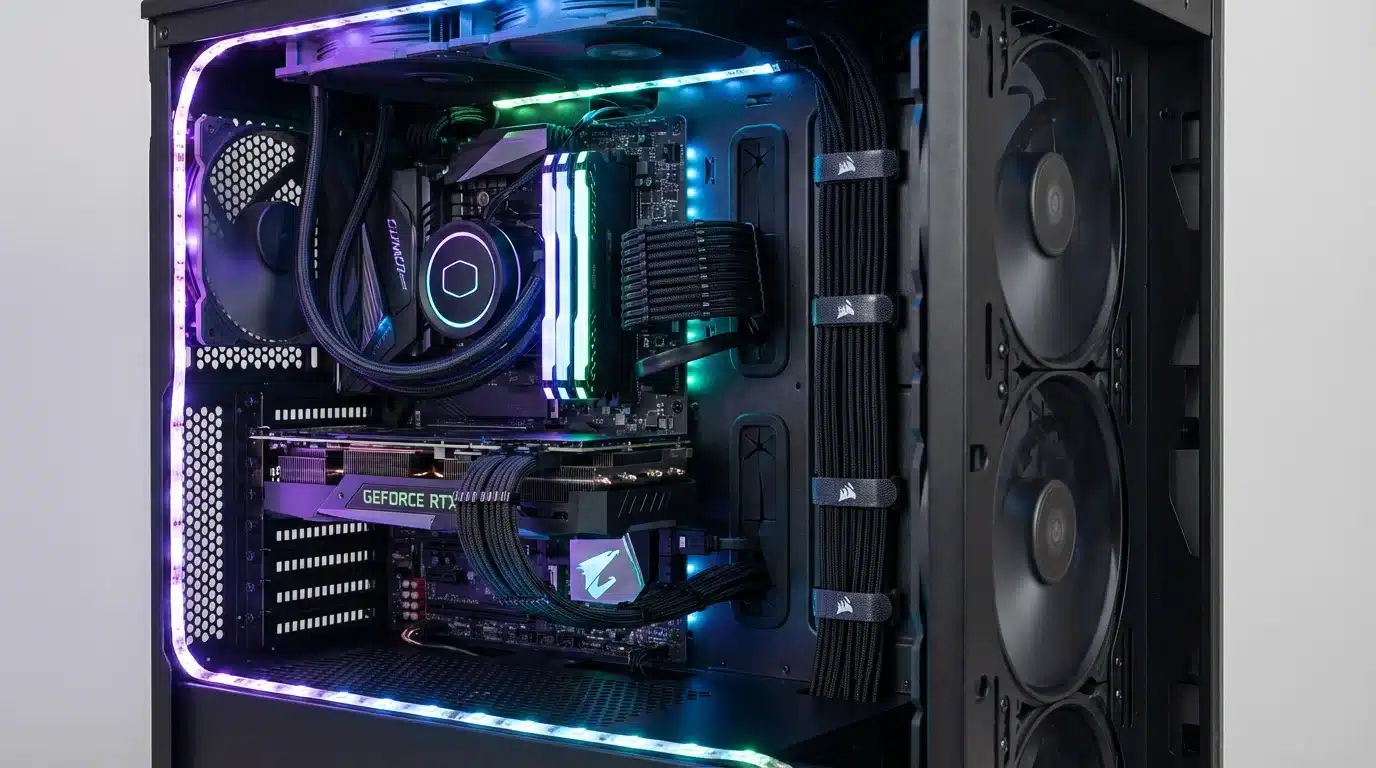

PC Cable Management

Pre-built vs. Custom: Which is Right for You?

Pre-built: Offers convenience, warranty, and support, but can be more expensive and less customizable.

Custom: Allows for complete control over every component and can be more cost-effective, but requires technical knowledge.

Pre-built vs. Custom Cost Calculator

Compare the cost of pre-built vs. custom:


Refurbished Gaming Desktops: High Performance, Lower Cost

Refurbished gaming desktops can offer incredible value, providing previous-generation high-end performance for the price of a new mid-range PC. All our refurbished PCs come with a comprehensive warranty.

Refurbished Value Finder

Compare new vs. refurbished value:

New Mid-Range PC ($2,500)

RTX 4070 Super, Ryzen 7 7800X3D, 32GB RAM, 2TB SSD

Performance: 100+ FPS at 1440p

Refurbished High-End PC ($2,500) ✅ Better Value

RTX 3090 Ti, Ryzen 9 5950X, 64GB RAM, 2TB SSD

Performance: 90-110 FPS at 1440p, 60+ FPS at 4K

Save $1,000+ compared to equivalent new build!

Essential Peripherals for the Complete Gaming Setup

144Hz Gaming Monitor
  • Monitor: 144Hz+ refresh rate, 1ms response time, and G-Sync/FreeSync support are essential for a smooth gaming experience.
  • Keyboard: Mechanical keyboards offer superior durability and tactile feedback.
  • Mouse: A high-DPI gaming mouse provides precision and accuracy.
  • Headset: A quality headset is crucial for immersive audio and clear communication.

Conclusion

Choosing the right gaming desktop is a significant investment, but with the right knowledge, it does not have to be an intimidating one. By understanding the core components and using our interactive tools, you can build or buy a PC that will provide years of enjoyment. Whether you are a casual gamer or a competitive esports athlete, we have a solution for you. Browse our gaming desktops or contact us for a custom build today!

Australian Gamer

Frequently Asked Questions

FAQ Accordion

What is a good starter gaming PC?
A good starter gaming PC like our 1080p Champion build features a Ryzen 5 7600 or Core i5-13400F CPU, RTX 4060 or RX 7600 GPU, 16GB RAM, and 1TB NVMe SSD for around $1,500 AUD. This configuration delivers 100+ FPS at 1080p in most modern games.
How much should I spend on a gaming PC?
$1,500 for 1080p gaming at high settings, $2,500 for 1440p gaming at ultra settings, and $4,000+ for 4K gaming with ray tracing. Your budget should match your monitor’s resolution and your performance expectations.
Is it better to build or buy a gaming PC?
Building offers more customization and can be 10-15% cheaper, but pre-built PCs offer convenience, comprehensive warranty, and professional support. First-time builders should consider pre-built options to avoid compatibility issues.
What GPU do I need for 1440p gaming?
RTX 4070 Super or RX 7800 XT for 100+ FPS at 1440p high/ultra settings in most modern games. These GPUs offer the best price-to-performance ratio for 1440p gaming in 2025.
How much RAM do I need for gaming?
16GB is the sweet spot for most gamers in 2025, providing enough memory for modern games and background applications. 32GB is recommended for future-proofing, heavy multitasking, or content creation alongside gaming.
Do I need an SSD for gaming?
Yes, an NVMe SSD is essential for modern gaming. It reduces game load times from minutes to seconds and eliminates stuttering caused by slow storage. A 1TB NVMe SSD should be your minimum starting point.
What is GPU bottlenecking?
GPU bottlenecking occurs when your CPU is too weak to keep up with your GPU, limiting gaming performance. For example, pairing an RTX 4090 with a budget CPU will result in lower FPS than the GPU is capable of delivering. Use our Bottleneck Checker tool to ensure balanced pairings.
Are refurbished gaming PCs worth it?
Yes, refurbished gaming PCs can offer excellent value, providing previous-generation high-end performance for mid-range prices. All our refurbished PCs come with comprehensive warranty and have been professionally tested and certified.
What monitor should I get for gaming?
Look for a monitor with 144Hz+ refresh rate, 1ms response time, and G-Sync/FreeSync support. For competitive gaming, prioritize refresh rate over resolution. For immersive single-player games, a higher resolution (1440p or 4K) provides better visual quality.
Can I upgrade a gaming PC later?
Yes, gaming PCs are highly upgradeable. GPU, RAM, and storage are the easiest components to upgrade. When buying or building, ensure your motherboard and PSU have enough capacity for future upgrades. A quality 750W+ PSU provides headroom for high-end GPU upgrades.

Check our collection of Gaming Desktops!

We’d Love to Hear From You

Fill out the form below, and we’ll get back to you as soon as possible.